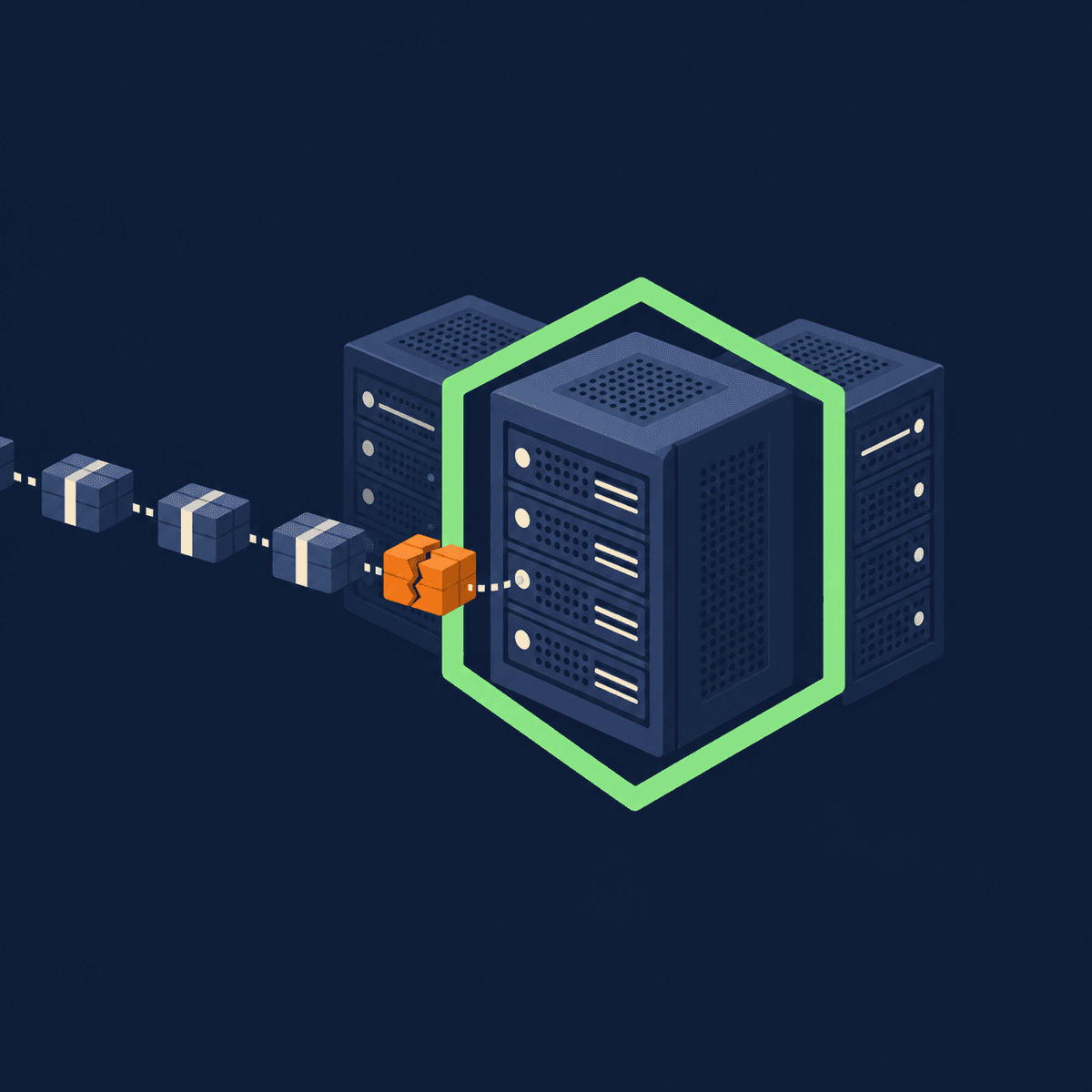
WordPress 7.1.4, released on 28 October 2026, fixes a flaw in WordPress core that lets an attacker run code on a website's server while WordPress is upgrading itself. The flaw is CVE-2026-119977, and on 3 November 2026 the US Cybersecurity and Infrastructure Security Agency (CISA) added it to its list of vulnerabilities known to be exploited in real attacks. Every WordPress version from 4.7 to 7.1.3 is affected. If your website runs on WordPress, check that it is on 7.1.4, or on the fixed release for its older branch, today.
This article explains the flaw in plain terms, how to check which version your site is on, which versions fix it, what to ask your web company or host, and what to do if your site was exposed.
What the WordPress Upgrade Flaw Is, in Plain Terms
When WordPress upgrades its own core software, it unpacks the new files into a temporary staging area on the server before moving them into place. The official CVE record, written by the security firm Wordfence, says the problem is "predictable, web-accessible staging paths used during full-package core upgrades".
In its words, this "makes it possible for unauthenticated attackers to execute code on the server during the upgrade window". Unauthenticated means the attacker doesn't need a login. The attack is a race: it has to land in the short window while an upgrade is running, which is why Wordfence rates the flaw High (8.1 out of 10) rather than Critical. But code running on your server means an attacker could change your site, add pages or files, or use it to attack others.
The flaw is in WordPress itself, not in a plugin or theme, so it affects every WordPress site on an unfixed version, whatever plugins it uses.
Is Your Website Affected?
If your site runs on WordPress and is on any version from 4.7 up to 7.1.3, it is affected until it is updated. If it is on 7.1.4, or on the fixed release for its branch in the table below, this flaw is fixed.
Sites that aren't built on WordPress, such as those on Wix, Squarespace, Shopify or a custom platform, are not affected by this flaw.
How to Check Your WordPress Version
Log in to your WordPress dashboard and go to Dashboard, then Updates. The page shows the version you are running and whether a newer one is available. The "At a Glance" box on the main dashboard shows it too. If you don't have a login, or someone else looks after your site, ask them for the version number.
Which WordPress Versions Fix It
The WordPress 7.1.4 release announcement says: "Because this is a security release, it is recommended that you update your sites immediately." The fix was also backported to older branches, all the way back to 4.7. The table shows the fixed version for each, from the WordPress 7.1.4 release notes.
| WordPress version | Fixed version |
|---|---|
| 7.1 | 7.1.4 (the latest version) |
| 7.0 | 7.0.8 |
| 6.9 | 6.9.11 |
| 6.8 | 6.8.12 |
| 6.7 | 6.7.11 |
| 6.6 | 6.6.11 |
| 6.5 | 6.5.14 |
| 6.1 to 6.4 | 6.1.16, 6.2.15, 6.3.14, 6.4.14 |
| 6.0 | 6.0.18 |
| 4.7 to 5.9 | Each branch has its own security release (5.9.20 down to 4.7.39) |
| 4.6 and older | No fix |
WordPress is clear that the older-branch fixes are "a courtesy" and that "only the most recent version of WordPress is actively supported". A site sitting on an old branch picks up this one fix, but it misses everything else that has changed since. If your site is several major versions behind, plan the move to 7.1, tested on a staging copy first, because themes and plugins written for old versions can break.
Do Automatic Updates Cover It?
Often, yes. WordPress says "if you have sites that support automatic background updates, the update process will begin automatically." Most WordPress sites get minor security releases like this one automatically, unless automatic updates have been turned off by a plugin, the host or whoever built the site. Don't assume: check the version number.
The Other Fixes in the Same Release
WordPress 7.1.4 fixes more than a dozen other security issues as well, most of them stored cross-site scripting flaws in blocks, the Customizer and the Interactivity API, where malicious code saved into a page runs in a visitor's browser. Updating for the upgrade flaw fixes all of them at once.
Is It Being Exploited?
Yes. CISA added CVE-2026-119977 to its Known Exploited Vulnerabilities catalogue on 3 November 2026, which it only does when there is evidence of attacks in the wild. CISA gave US government agencies until 6 November to deal with it. That deadline doesn't apply to UK businesses, but it shows how seriously it is being taken.
The flaw is public, the fix exists, and attackers are using it. An unfixed WordPress site stays exposed until it is updated.
What to Ask Your Web Company or Host
If someone else looks after your site, these questions get to what matters:
Which WordPress version is my site running now?
Has it been updated to 7.1.4 (or the fixed release for its branch) since 28 October 2026?
Are automatic security updates turned on, and if not, who applies them and how quickly?
If the site is on an old branch, what is the plan to bring it up to the current version?
A useful answer gives you a version number and a date. If your site was built a few years ago and nobody has logged in since, it is worth asking even if you think it is fine.
If Your Site Was Exposed: Check for Signs of a Hack
Because the attack happens during an upgrade, a site that ran an affected version and has updated recently, by hand or automatically, is worth checking: look for files you don't recognise, new admin users, plugins you didn't install, or pages you didn't create.
Our guide to signs your website has been hacked covers what to look for. If you find something you can't explain, our hacked website recovery service covers sites built on PHP, Node.js or JavaScript, including WordPress, and generally costs around £300 depending on whether usable backups are available. That service is for sites not on our platform.
Keeping WordPress Up to Date Without Chasing It
This is the third serious web software flaw in a fortnight, after PHP2Shell, which also affects WordPress sites on unpatched PHP, and Node2Shell. Each one means somebody has to notice, check and update. Our guide to what website maintenance costs sets out what that work involves and what it should cost.
Why Our Websites Don't Run on WordPress
WordPress runs a huge share of the web, and that is exactly why a flaw like this matters: one weakness in WordPress core reaches every unpatched WordPress site at once, and attackers know it. A typical WordPress site also stacks a theme and a set of plugins from different authors on top of core, each with its own updates to keep up with and its own chance of clashing with the rest.
We do it differently. Every website we build runs on a CMS platform we built ourselves: no WordPress themes, no page builder limitations and no plugin conflicts. Because we control every layer of the technology, a security fix doesn't wait on a plugin author or a theme developer. Every site is hosted the same way, in Docker on cloud hosting in UK data centres with automated deployment, so an update is made once in the platform and rolled out to every site, rather than logged into and patched one site at a time.
So this flaw doesn't affect any site on our platform, and the WordPress sites we still host were already on 7.1.4. There is nothing our clients need to do. Security patches and updates are part of every managed website plan, along with backups, and if a site on our platform is compromised, putting it right is included. Our managed websites page sets out what each plan covers.
WordPress Security Flaw FAQs
If you want a website where security patches and updates are handled for you, our managed websites plans set out what is included. Or get in touch to talk through what your site runs on and what needs to happen next.
What is the latest version of WordPress?
The latest version is WordPress 7.1.4, a security release published on 28 October 2026. WordPress 7.2 is in beta and not yet a full release. If your site is on 7.1.4, it has the fix for the upgrade flaw, CVE-2026-119977.
How do I update WordPress?
Back up the site first. Then, in the WordPress dashboard, go to Dashboard, then Updates, and click Update Now. If the site is several versions behind, or has a lot of plugins, test the update on a staging copy before running it on the live site.
Is this a plugin vulnerability?
No. CVE-2026-119977 is in WordPress core, the software every WordPress site runs on, so it affects sites whatever plugins or theme they use. Keeping plugins and themes up to date is still worth doing for their own fixes.
My site is on WordPress 6.x. Do I have to move to 7.1?
Not for this flaw: each 6.x branch has its own fixed release, such as 6.9.11 or 6.8.12. But only the latest version is actively supported, so a site on an old branch should plan a tested move to 7.1.
What is CVE-2026-119977?
CVE-2026-119977 is the identifier for a WordPress core flaw where predictable staging paths during core upgrades let an attacker with no login run code on the server. It affects WordPress 4.7 to 7.1.3, is rated High (8.1), was fixed in WordPress 7.1.4 on 28 October 2026, and was added to CISA's list of exploited vulnerabilities on 3 November 2026.
Callum Robley
Founder & Lead Developer, Tea Powered Projects
Callum is a full-stack developer and the founder of Tea Powered Projects, a web design, development, and hosting company based in Nottingham, UK. With over 15 years of industry experience, he specialises in building reliable, scalable digital solutions for businesses of all sizes.